In today’s digital classroom, interactive learning tools are essential for keeping students engaged. Pear Deck is one such tool that transforms traditional slide presentations into dynamic, interactive lessons that encourage participation, critical thinking, and collaboration. Whether you’re a teacher looking to boost student engagement or a school leader seeking innovative tech solutions, Pear Deck is a game-changer.
What is Pear Deck?
Pear Deck is an educational technology tool that integrates with Google Slides and Microsoft PowerPoint to make lessons more interactive. It allows teachers to add real-time questions, polls, and activities to their presentations, helping students stay involved and actively participate.
Key Features of Pear Deck
✅ Interactive Slides – Add questions, drawing tools, and draggable responses to engage students.
✅ Live Participation Mode – Students follow along and respond in real-time from their own devices.
✅ Student-Paced Mode – Allows independent learning at each student’s own pace.
✅ Formative Assessments – Use multiple-choice, short-answer, or drawing questions to check understanding.
✅ Teacher Dashboard – Monitor student responses and provide feedback instantly.
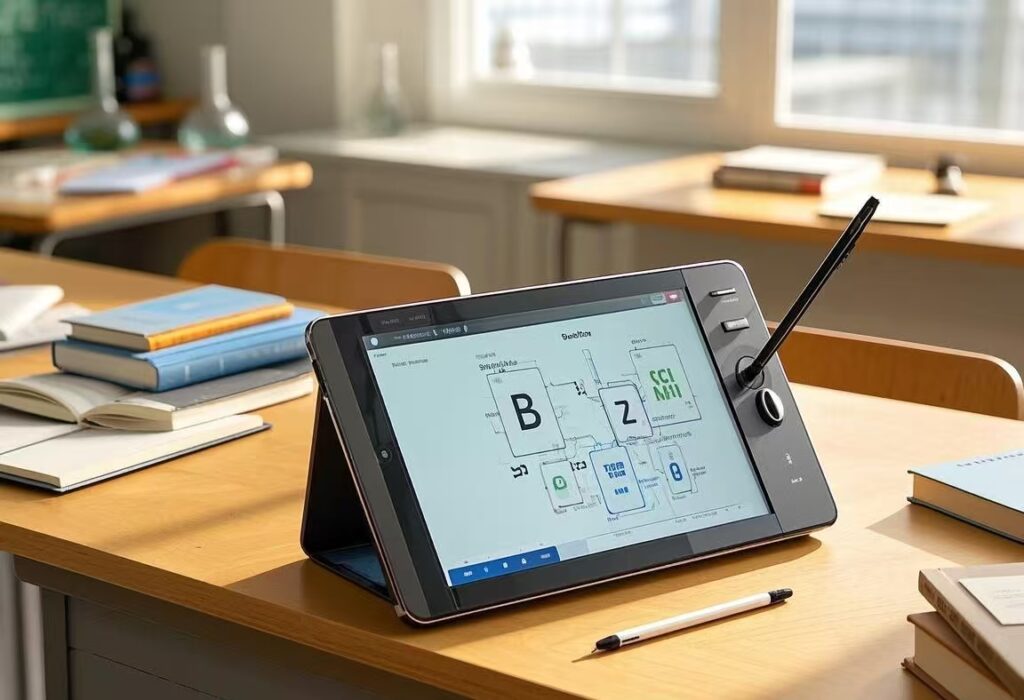
Benefits of Using Pear Deck in the Classroom
📚 Increases Student Engagement – Instead of passively listening, students actively participate.
📊 Encourages Critical Thinking – Open-ended questions and polls allow for deeper discussions.
💡 Supports Differentiation – Teachers can personalize learning for different skill levels.
🔍 Provides Real-Time Feedback – Helps identify learning gaps instantly.
🌎 Enhances Remote & Hybrid Learning – Works seamlessly for in-person, online, or blended classrooms.
How to Use Pear Deck in Your Lessons
- Install Pear Deck – Add the Pear Deck add-on to Google Slides or PowerPoint.
- Create Interactive Slides – Insert different types of questions to promote engagement.
- Start a Pear Deck Session – Share a Join Code so students can participate.
- Monitor & Guide Learning – Use the Teacher Dashboard to track responses and facilitate discussions.
- Review & Reflect – After the lesson, analyze student responses to inform future teaching.

Final Thoughts
Pear Deck is an invaluable tool for educators who want to make their lessons more engaging, interactive, and student-centered. By encouraging active participation and real-time feedback, it fosters a more dynamic and effective learning experience. Whether teaching in person or online, Pear Deck helps bring lessons to life! 🚀🎓