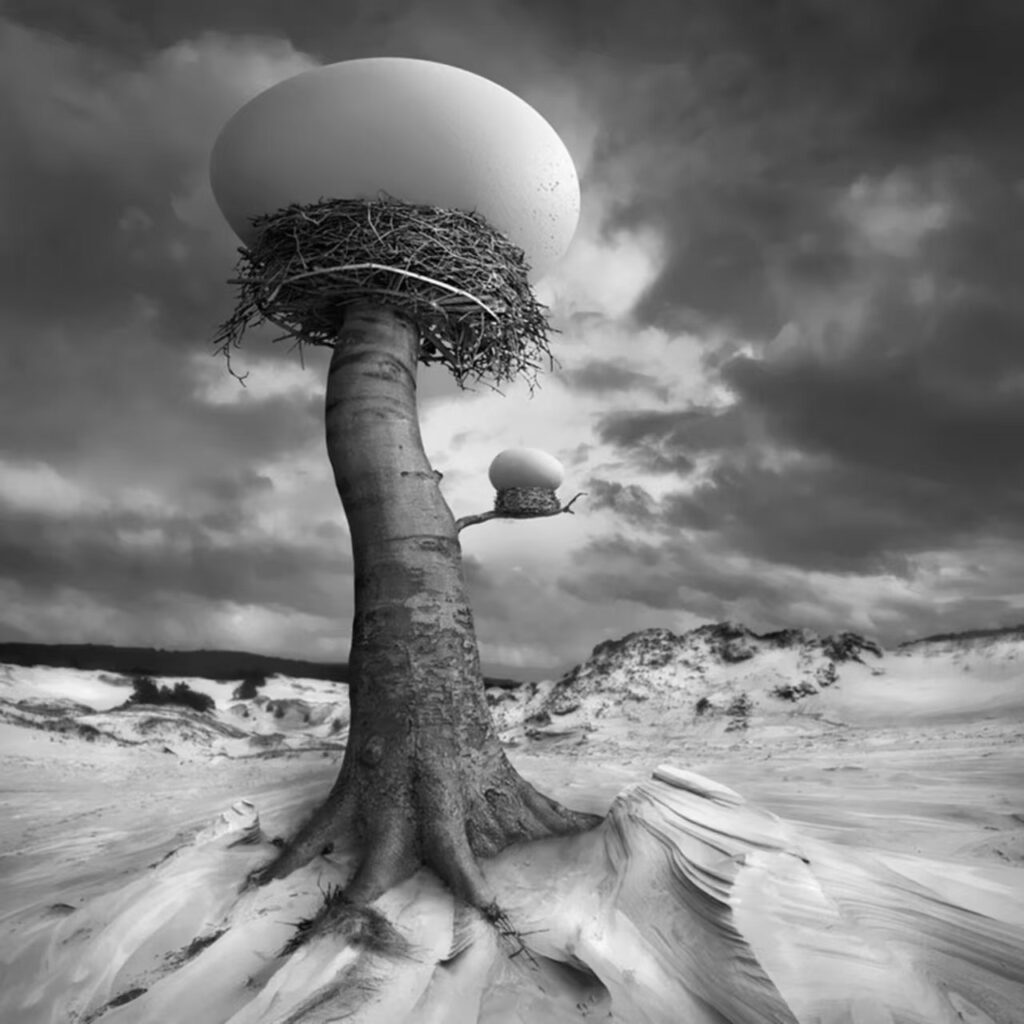
Pinterest is known for being a hub of creativity, where users come together to share ideas, projects, and inspiration. One of the most striking aspects of Pinterest’s aesthetic is the way images are presented — with shading, gradients, and other design elements playing key roles in making content stand out. But what exactly is “Pinterest shading,” and how can it elevate your pins?
What is Pinterest Shading?
Pinterest shading typically refers to the way shadow effects and light contrasts are applied to images, helping to highlight certain elements or create depth. In a platform like Pinterest, which is heavily visual, shading can make an image appear more professional, adding dimension to flat visuals and making them more engaging for viewers.
The Role of Shading in Pin Design
Shading isn’t just for photographs. It can be used in various types of pins, including illustrations, infographics, and graphic designs. Here are a few ways that shading plays a role:

Creating Depth: Shading can make an image appear three-dimensional, which draws the viewer’s eye to specific areas of the pin.
Focus and Highlighting: By adding shadowing effects to certain parts of the image, designers can direct the viewer’s attention to a focal point, such as text or a product feature.
Aesthetic Appeal: Shading can help create a soft or dramatic tone, depending on the intention behind the design. Whether you’re going for a sleek, minimalistic look or a bold, artistic vibe, shading is a tool that can help you achieve it.
Consistency in Branding: Many brands use consistent shading techniques in their pins to create a cohesive look that represents their identity, making their pins instantly recognizable on the platform.
How to Use Pinterest Shading in Your Pins
If you’re a creator looking to enhance your Pinterest pins, here are a few tips on how to effectively use shading:
- Experiment with Soft Shadows: Soft shadows can give your designs a modern, professional look while maintaining a clean aesthetic. It’s important not to overdo it — subtlety is key.
- Use Gradient Shading for a Bold Effect: Gradients are an effective way to add color depth and dynamism to your pins. Gradients can create a sense of movement, drawing more attention to the image.
- Incorporate 3D Elements: For product photos or lifestyle pins, using shading to simulate 3D elements can help items appear more lifelike and appealing to your audience.
- Consider the Color Palette: Make sure the shading complements your overall color scheme. It’s essential to maintain harmony in your pin’s design to make it visually pleasing.

Pinterest shading is a simple yet powerful design tool that can transform an image from flat to captivating. Whether you’re a designer, marketer, or casual user, mastering shading techniques can make your pins stand out in a crowded feed and enhance the aesthetic quality of your content. So next time you upload a pin, consider how shading can elevate its visual impact — and don’t forget to experiment!